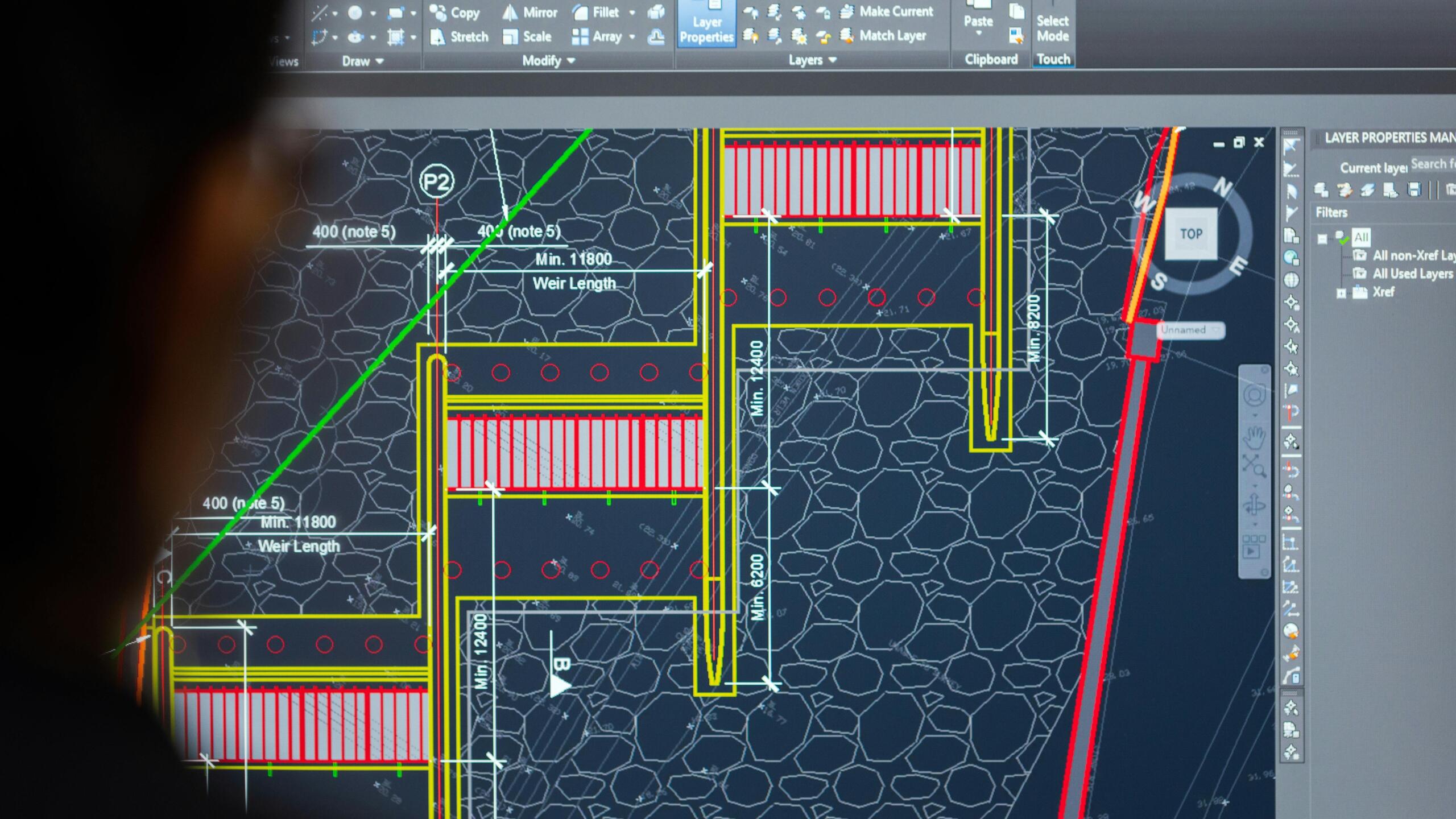
BIM software is a digital building information modeling tool that enables creation, editing, and management of 3D models for construction projects. Popular BIM software includes Autodesk Revit, Graphisoft ArchiCAD, and Plannerly. It improves collaboration and efficiency across design, construction, and operation phases. BIM software is a digital platform for building information modeling, enabling 3D model creation, editing, and management throughout a project’s lifecycle, enhancing collaboration and data consistency. Understanding BIM software is a crucial first step for anyone entering the AEC industry today.
What Is BIM Software and Why Is It Essential for Beginners?
BIM software is a digital platform used for building information modeling. It allows users to create, edit, and manage intelligent 3D models that contain detailed information about a construction project. This technology goes beyond simple 3D drawing by integrating data that represents the physical and functional characteristics of a building, making it invaluable for design, construction, and facility management. Beginners should use BIM software because it fosters better collaboration among project stakeholders, improves accuracy, reduces errors and rework, and ultimately leads to more efficient project delivery.
Autodesk Revit is an established BIM design software that enables creating, editing, and viewing building models in 3D. Graphisoft ArchiCAD is a BIM/CAD software application developed by Graphisoft; Graphisoft is owned by Nemetschek. Plannerly is a BIM management software loaded with free BEP, EIR, AIR templates to define BIM Execution Plans and Information Requirements. These tools provide a standardized and data-rich approach to project documentation, which is essential for clear communication and coordinated workflows. Embracing BIM early helps new professionals develop essential skills recognized across the industry.
Next, we’ll explore the key features that beginners should prioritize when choosing BIM software.
How to Select BIM Software: Key Features to Look For
Having understood what BIM software is, let’s look at the features that matter most. When choosing your first BIM software, beginners should prioritize ease of use, comprehensive modeling capabilities, collaboration features, and affordability. Look for intuitive interfaces and readily available learning resources, as a steep learning curve can be discouraging. The software should support essential modeling functions like creating architectural elements, structural components, and MEP systems. Strong collaboration tools that facilitate data sharing and issue tracking are also vital for team projects.
Consider options with good interoperability to work seamlessly with other software used in the industry. Additionally, explore pricing models, as some software offers free trials or educational licenses for students. Budget-friendly options or subscription plans that offer good value are ideal for beginners. Ensure the software has a robust community forum or customer support system to help you overcome challenges. Prioritizing these features will help you select a tool that supports your learning and project needs effectively.
Now, let’s compare the top BIM software options for beginners.
Top BIM Software for Beginners: Autodesk Revit vs Graphisoft ArchiCAD vs Plannerly
Now that you know what features to focus on, let’s compare three popular BIM tools. Choosing the right BIM software is a critical decision for beginners embarking on their journey in the architecture, engineering, and construction (AEC) industry. Autodesk Revit, Graphisoft ArchiCAD, and Plannerly represent distinct approaches to BIM, each offering unique benefits tailored to different user needs and project scales. Understanding their core functionalities and target audiences can guide beginners toward the most suitable choice.
| Feature | Autodesk Revit | Graphisoft ArchiCAD | Plannerly |
|---|---|---|---|
| Primary Focus | Comprehensive BIM design and documentation | Integrated BIM design and visualization | BIM management and information requirement definition |
| Ease of Use | Moderate to High learning curve | Moderate learning curve | Relatively easy, especially for management tasks |
| Key Strengths | Industry standard, extensive libraries, robust modeling | Strong architectural design focus, intuitive interface | Free templates (BEP, EIR, AIR), streamlined BIM coordination |
| Target User | Architects, structural engineers, MEP engineers | Architects, designers | BIM managers, project owners, project teams |
| Cost | Subscription-based (premium) | Subscription-based (premium) | Offers free templates, paid tiers for advanced features |
| Collaboration | Robust, integrates with Autodesk ecosystem | Strong file collaboration features | Excellent for defining and managing information requirements |
Autodesk Revit enables creating, editing, and viewing building models in 3D. Plannerly is a BIM management software with free templates for Information Requirements. Graphisoft ArchiCAD is a BIM/CAD software application developed by Graphisoft; Graphisoft is owned by Nemetschek. This comparison highlights that while Revit and ArchiCAD are primarily design tools with steeper learning curves, Plannerly excels in BIM management and defining project information standards. Beginners focused on design might lean towards ArchiCAD’s intuitive interface, while those aiming for project coordination might find Plannerly’s management tools more accessible.
In addition to these top three, other BIM software options offer unique strengths.
Other BIM Software Worth Considering: Trimble Connect, Revizto, BIMcollab, Dalux, ACC, Solibri, BricsCAD
Beyond the top three, many other BIM software options cater to specific project needs or offer specialized functionalities. Trimble Connect is a cloud-based platform providing a central location for managing, viewing, and sharing construction data. Revizto is a cloud-based BIM solution that helps architecture, engineering, and construction professionals improve communication and project coordination by integrating design models with issue tracking. BIMcollab is a BCF-based issue management system that works to eliminate gaps between different BIM tools, ensuring seamless communication.
Dalux is a cloud-based BIM software for construction project management with progress tracking, cost management, scheduling, and resource allocation. Autodesk Construction Cloud (ACC) is a software platform that centralizes decision-making at all stages of a project, offering a suite of tools for planning, execution, and operations. Solibri Model Checker (SMC) is an open BIM model-checking tool owned by Nemetschek, designed for validating model quality and compliance. BricsCAD BIM is a versatile BIM solution owned by Hexagon, offering a feature-rich environment for building design and documentation. Exploring these options can reveal tools that better fit niche requirements or budgets.
Now let’s answer common questions that can help you decide.
Frequently Asked Questions About BIM Software
Q: Is BIM software expensive?
A: The cost of BIM software varies significantly. Premium, industry-standard solutions like Autodesk Revit and Graphisoft ArchiCAD typically come with subscription fees that can be substantial. However, there are more budget-friendly options and management-focused tools like Plannerly, which offers free templates to get started. Many vendors also provide free trials or educational licenses for students and educators, making it accessible for beginners.
Q: Do I need coding skills to use BIM software?
A: Generally, no. Most BIM software is designed with a visual interface and intuitive tools that do not require coding skills for basic operation. Beginners can learn to create models, generate documentation, and collaborate without any programming knowledge. However, for advanced customization, complex workflows, or developing custom scripts, some familiarity with programming concepts might be beneficial, but it’s not a prerequisite for starting with BIM.
Q: Which BIM software is free for beginners?
A: While dedicated, full-featured BIM software is rarely entirely free, Plannerly offers considerable value through its free templates for BIM Execution Plans and Information Requirements, which are crucial for BIM management. Some software may offer limited free versions or extended trial periods specifically for educational purposes. It’s advisable to check the educational offerings of major software providers like Autodesk and Graphisoft, as they often have programs for students.
With all the information above, here’s how to make your final choice.
Conclusion: How to Choose the Best BIM Software as a Beginner
Choosing your first BIM software is a pivotal step toward a successful career in the AEC industry. As highlighted, tools like Autodesk Revit and Graphisoft ArchiCAD offer robust design capabilities but may involve a steeper learning curve and higher costs. Plannerly stands out as an excellent option for beginners, particularly those focused on BIM management, due to its free templates and user-friendly interface for defining project requirements. The best BIM software for beginners depends on individual learning styles, project focuses (design versus management), and budget constraints.
Consider your primary goals: if you aim to be a designer, exploring Revit or ArchiCAD might be beneficial, perhaps starting with their educational versions. If your interest lies more in BIM coordination and process management, Plannerly provides an accessible entry point. Don’t overlook other specialized tools like Trimble Connect for cloud collaboration or Solibri Model Checker for model validation. Ultimately, the most important step is to start experimenting, according to industry experts. Many platforms offer free trials; utilize them to get hands-on experience and discover which interface and workflow best suit your needs. The key is to begin building your BIM proficiency early.
FAQ
Q: What is BIM software?
A: BIM software is a digital platform for building information modeling that allows users to create, edit, and manage 3D models throughout a construction project’s lifecycle, improving collaboration and data consistency.
Q: Is BIM software expensive?
A: Prices vary. Autodesk Revit and Graphisoft ArchiCAD are premium tools with subscriptions, while Plannerly offers free templates. Some tools have free trials or limited features to help beginners start.
Q: Which BIM software is best for beginners?
A: For beginners, Plannerly is ideal due to its free templates and management focus. Autodesk Revit and Graphisoft ArchiCAD are powerful for design but have steeper learning curves.
Q: Do I need coding skills to use BIM software?
A: Generally, no. Most BIM software is visual and intuitive. However, advanced scripting or customization may require basic programming knowledge, but beginners can start without it.
Q: What is the difference between BIM and CAD software?
A: CAD software creates 2D or 3D drawings, while BIM software models intelligent 3D objects with data attributes, enabling better collaboration and lifecycle management.
Q: Can BIM software be used for small projects?
A: Yes, many BIM tools like Plannerly and Dalux are scalable and suitable for small projects due to their cloud-based, affordable nature and easy setup.